

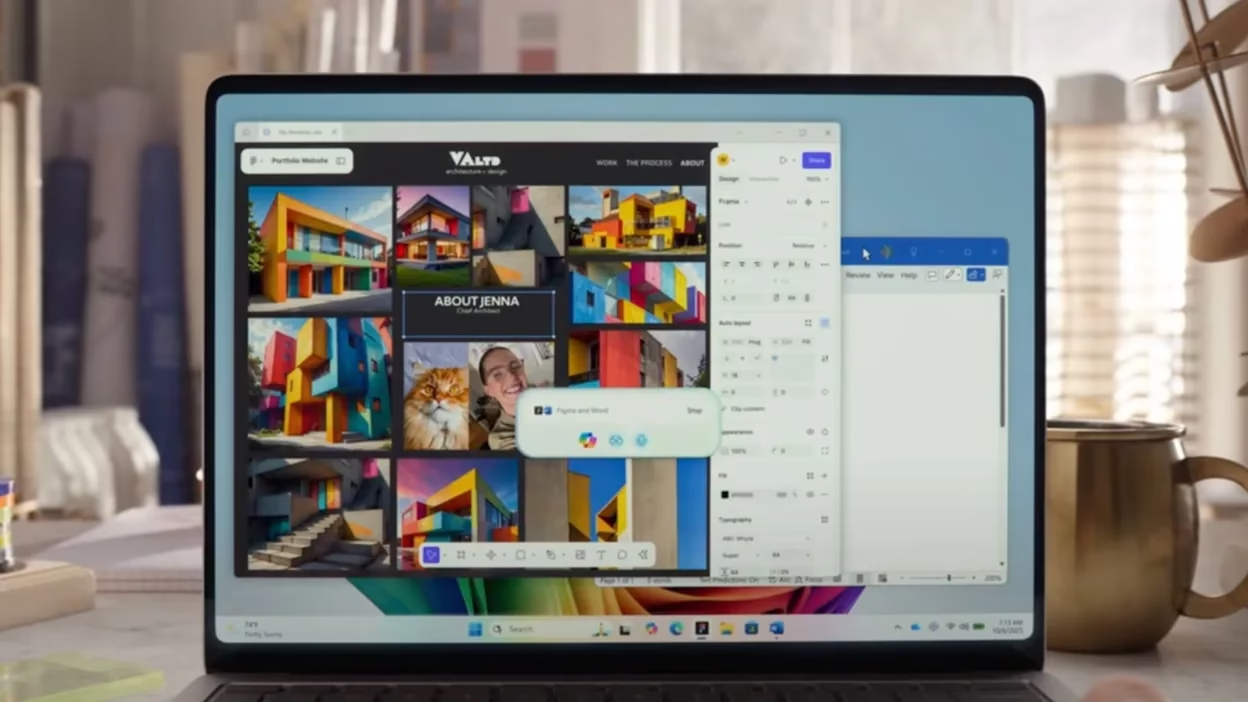

Microsoft is transforming every Windows 11 PC into an AI-powered machine with a comprehensive Copilot upgrade that introduces voice activation, screen-aware vision capabilities, and autonomous task execution. The company announced these updates on October 16, 2025, marking a significant shift in how users interact with their computers—moving beyond traditional typing and clicking toward natural, conversational interactions.
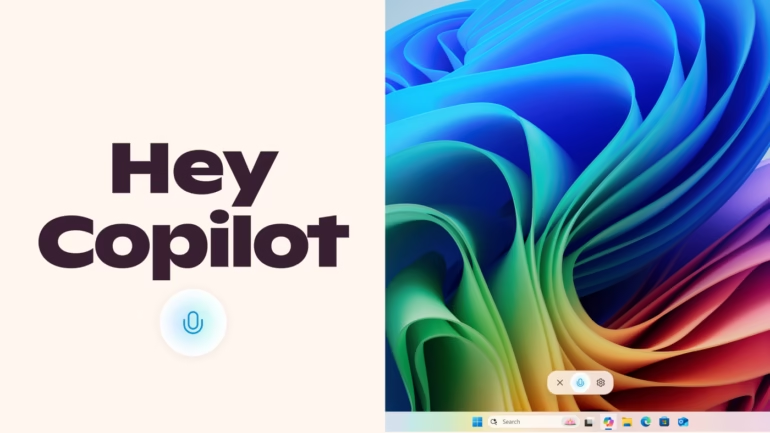
Windows 11 Gets Voice-Activated AI Features
The centerpiece of this update is the “Hey Copilot” wake word feature, allowing users to activate Microsoft’s AI assistant hands-free, similar to smart speakers. Users simply say “Hey Copilot” followed by their request, and the assistant springs to action with a visual chime and microphone indicator. To end conversations, users can say “Goodbye,” tap the X button, or let Copilot automatically close after a few seconds of inactivity.
| Windows 11 Copilot Updates | Details |
|---|---|
| Voice Activation | “Hey Copilot” wake word (opt-in) |
| Vision Capability | Copilot Vision (global rollout) |
| Agentic Features | Copilot Actions (Windows Insiders) |
| Taskbar Integration | Quick access to voice and vision |
| Availability | All Windows 11 PCs with Copilot |
| Launch Date | October 16, 2025 |
| Privacy | Uses existing Windows APIs |
Copilot Vision and Agentic AI Capabilities
Copilot Vision represents another major leap forward, enabling the AI assistant to analyze what’s displayed on users’ screens in real-time. Users can share their entire desktop or individual applications, and Copilot provides context-aware assistance, step-by-step tutorials, and suggestions based on what it sees. The “Show Me How” feature offers visual guidance within apps, helping users learn complex editing tools or troubleshoot settings effortlessly.
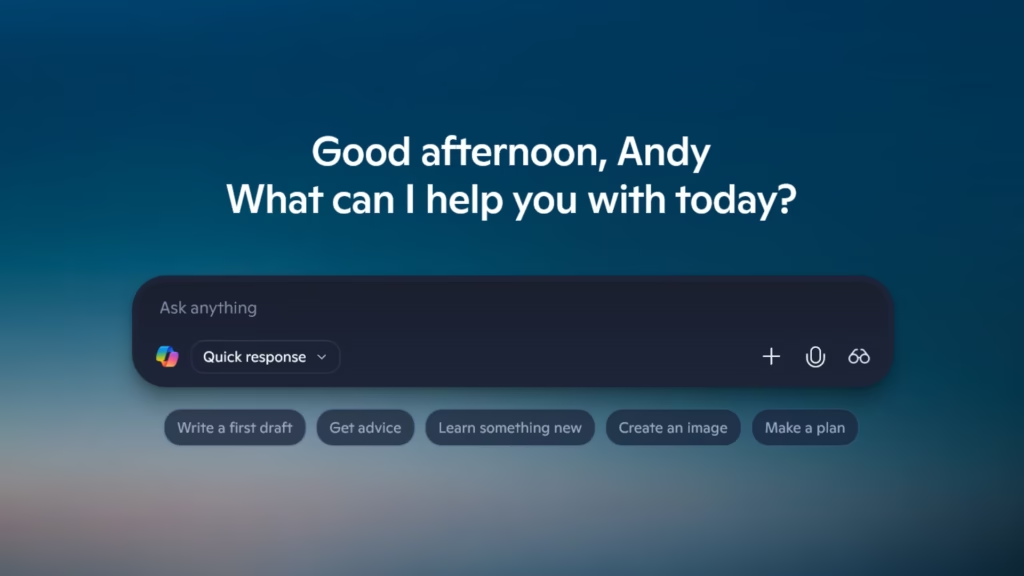
Perhaps most revolutionary is Copilot Actions, currently available to Windows Insiders through Copilot Labs. This agentic feature allows the AI to perform tasks autonomously on local files—organizing documents, extracting data from PDFs, editing files, or completing repetitive tasks. Microsoft built a dedicated security framework for this feature, running the AI agent in a contained workspace with restricted permissions and requiring user approval before accessing files.
Strategic Shift Beyond Hardware Requirements
This announcement marks a strategic pivot for Microsoft’s AI PC vision. Initially, the company focused on Copilot+ PCs with specialized NPU chips for AI processing. However, the rollout faced challenges, with the flagship “Recall” feature repeatedly delayed over security and privacy concerns. Now, Microsoft is democratizing AI capabilities across all Windows 11 devices, regardless of hardware specifications.
Microsoft insists this broader approach doesn’t abandon the NPU strategy but simply extends AI benefits to the entire Windows 11 user base. Copilot+ PCs will still receive exclusive features like enhanced Click to Do integrations for scheduling Zoom meetings. The timing coincides with Windows 10’s end of support, providing millions of legacy users a compelling reason to upgrade to newer hardware and operating systems.
The company reports that voice interactions double user engagement compared to text-based commands, validating the push toward conversational computing. These updates also include deeper taskbar integration, improved local search, and expanded connections with services like OneDrive, Outlook, Google Drive, Gmail, and Calendar. Learn more about Windows features at Microsoft’s official Windows site and explore additional tech updates on Tech2sports.
FAQs
How do I activate voice commands in Windows 11 Copilot?
Enable “Hey Copilot” in Copilot app settings, then say the wake word followed by your request.
Is Copilot Vision available on all Windows 11 PCs?
Yes, Copilot Vision is now globally available wherever Windows 11 Copilot is offered.

