
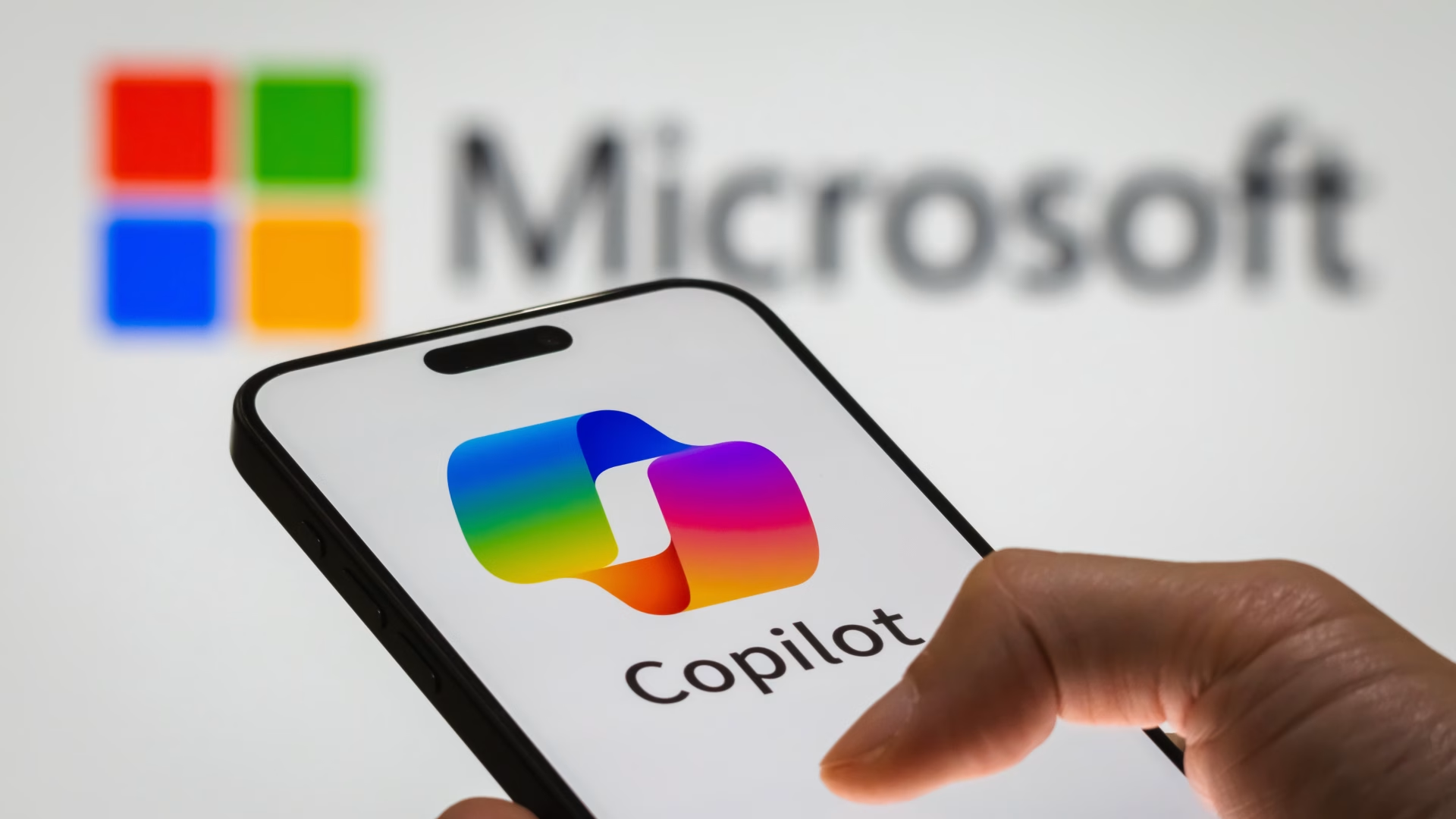

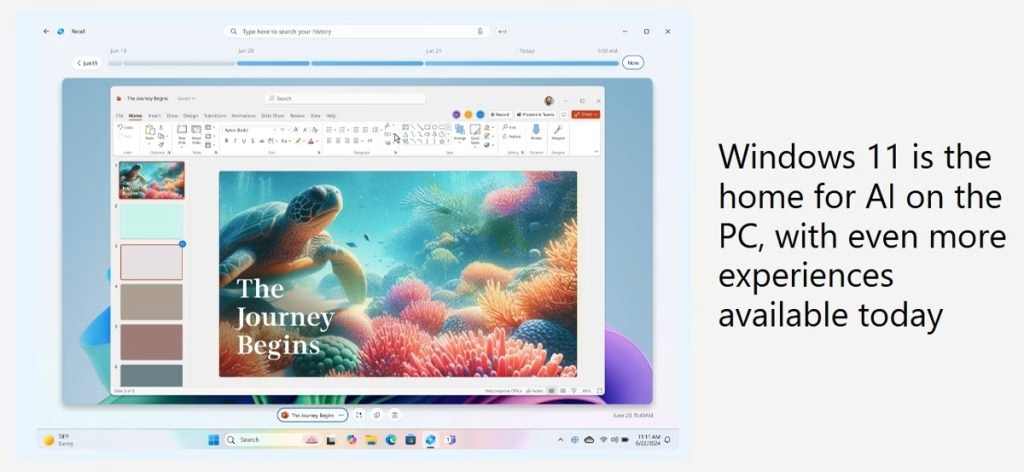
Microsoft has unleashed a game-changing July 2025 non-security preview update for Windows 11, introducing revolutionary AI-powered features including Copilot Vision, AI Agent, and enhanced creative tools that transform how users interact with their PCs.
Key New AI Features at a Glance
| Feature | Availability | Purpose |
|---|---|---|
| Copilot Vision | Copilot+ PCs | Real-time on-screen assistance |
| AI Agent in Settings | Snapdragon Copilot+ PCs | Natural language system control |
| Click to Do | All Windows 11 | Contextual task actions |
| Relight in Photos | Copilot+ PCs | AI-powered lighting adjustment |
| Paint Sticker Generator | All Windows 11 | Custom AI stickers from text |
| Perfect Screenshot | Copilot+ PCs | Auto-boundary adjustment |
Copilot Vision: Your AI Screen Assistant
The standout feature, Copilot Vision allows users to share their screen content with Copilot for real-time guidance and analysis. This revolutionary tool helps identify tasks, locate controls, and provides insights based on visible content across apps, desktop, and browser windows.
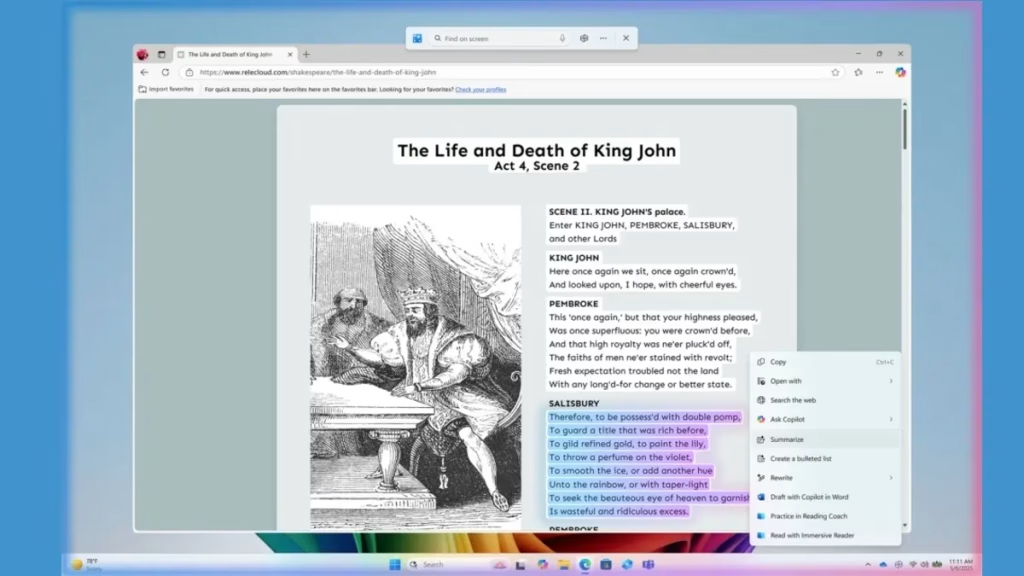
To activate: Open Copilot app → click glasses icon → select window to share. The feature includes “Highlights” that show users exactly where to click within applications, making complex software navigation effortless.
AI Agent Revolutionizes System Settings
Windows 11’s new AI-powered agent in the Settings app accepts natural language commands like “connect Bluetooth device” or “change my resolution to 1920×1080.” This feature supports hundreds of settings across display, accessibility, and connectivity categories, with changes applicable or reversible with one click.
Enhanced Creative Tools Transform Productivity
The update brings powerful creative enhancements to familiar apps. Paint now features a Sticker Generator that creates custom stickers from text prompts and Object Select for AI-assisted image editing. The Photos app introduces Relight functionality with up to three adjustable virtual light sources for professional-quality photo enhancement.
Gaming and Performance Improvements
Microsoft Edge Game Assist provides gaming shortcuts and tips, while Quick Machine Recovery reduces restart recovery time from approximately 40 seconds to around 2 seconds for most Windows 11 devices, significantly improving system reliability.
AI Adoption Insights
Microsoft’s commissioned study reveals impressive AI adoption rates: 60% of users reported using generative AI tools for work in the past year, while 64% used AI for hobbies or personal interests, demonstrating the growing integration of AI in daily computing tasks.
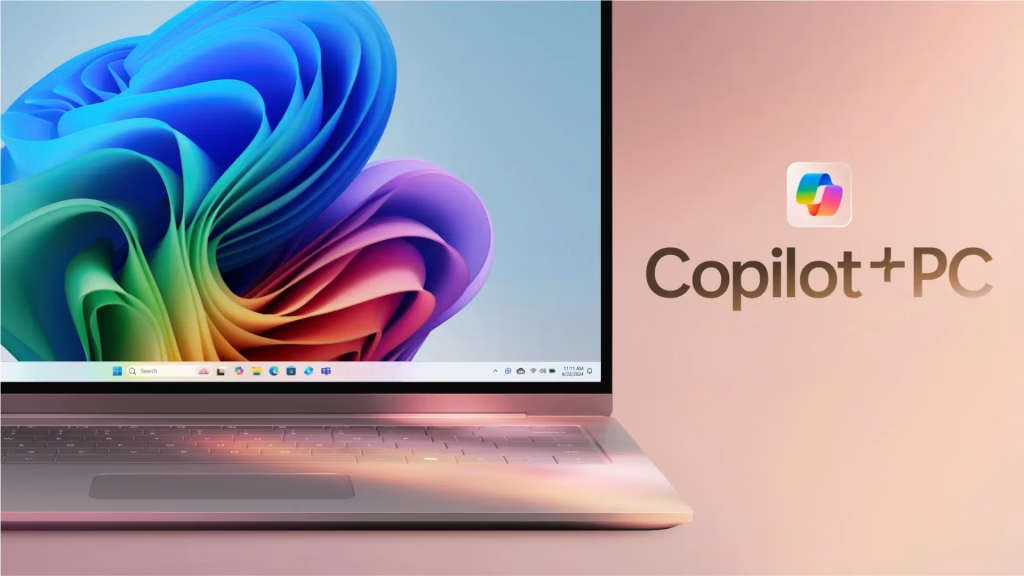
These updates reflect Microsoft’s commitment to making Windows more intuitive and accessible through native AI integration. For more tech updates and Windows guides, check our Windows section.
FAQs
Which devices support Copilot Vision in Windows 11?
Copilot Vision is available on Copilot+ PCs with full opt-in user control.
How do I access the new AI Agent in Windows 11 Settings?
The AI Agent is available in Settings for Snapdragon-powered Copilot+ PCs initially.

