


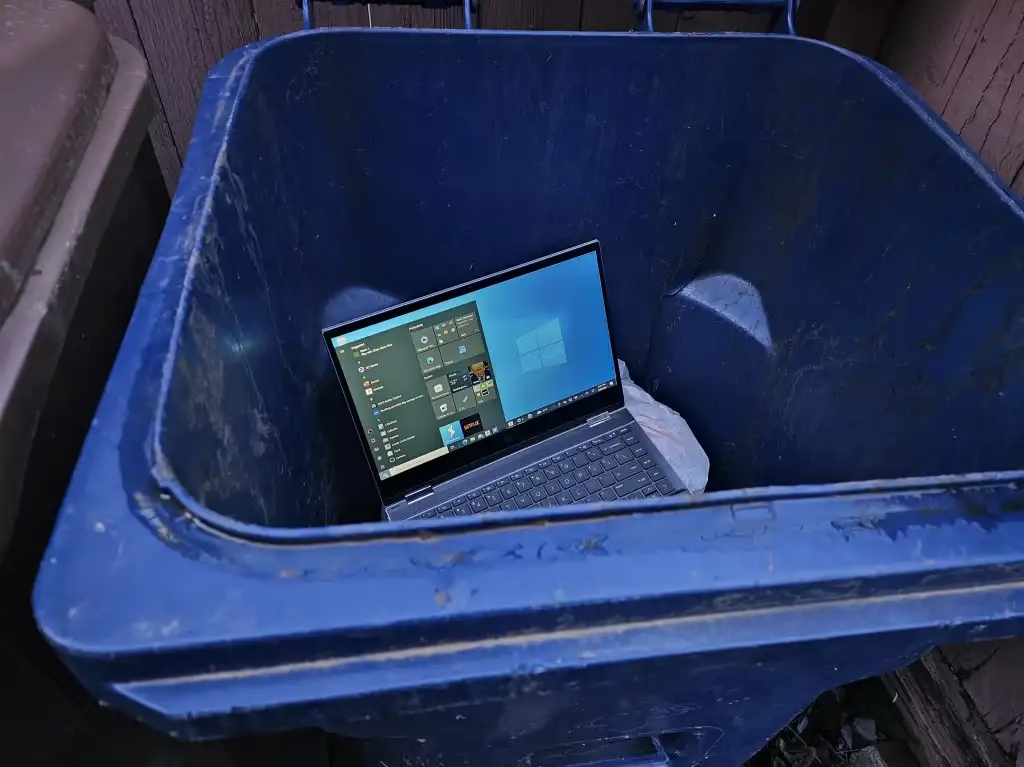
Microsoft‘s beloved operating system has reached its end, and clinging to the past could cost you more than nostalgia.
Windows 10 End of an Era
October 14, 2025, marks the official death of Windows 10. After a decade of faithful service, Microsoft has ended support for one of its most successful operating systems. This isn’t just a symbolic retirement—it means no more security updates, bug fixes, or technical support from Microsoft.
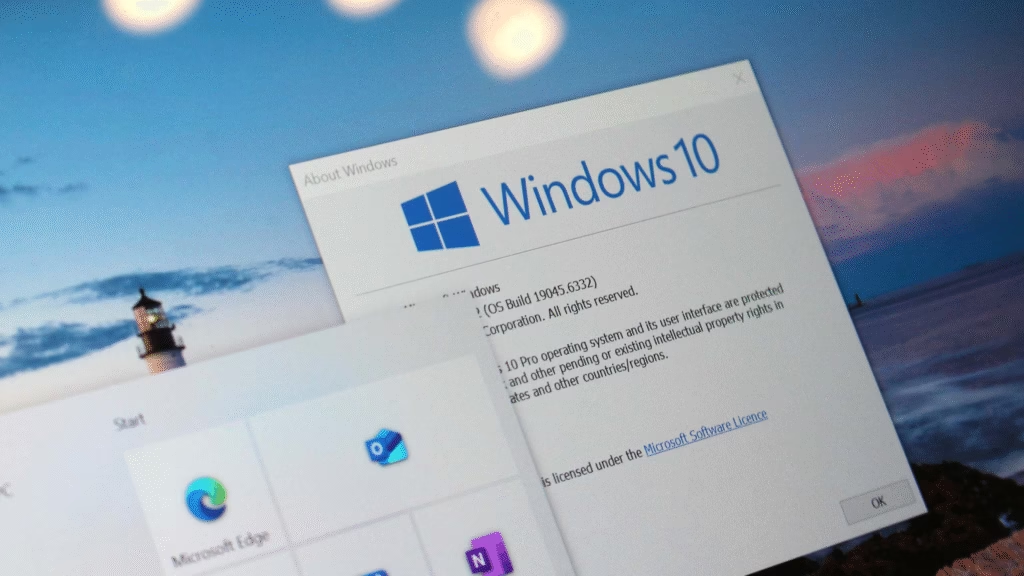
According to Microsoft’s official lifecycle policy, continuing to use Windows 10 after this date exposes users to serious security vulnerabilities. Yet millions remain hesitant to upgrade. Here’s why that hesitation is more costly than switching.
What “End of Support” Really Means
| Impact Area | What You Lose | Risk Level |
|---|---|---|
| Security Updates | No patches for new threats | Critical |
| Feature Updates | No new functionality | Moderate |
| Driver Support | Hardware compatibility issues | High |
| Software Support | Apps may stop working | High |
| Technical Assistance | No Microsoft help desk | Moderate |
When Windows 7 ended support in 2020, devices running the outdated OS became prime targets for cybercriminals. Ransomware attacks increased by 67% on unsupported systems within the first year, according to cybersecurity reports.
Why Windows 11 Is Better (Yes, Really)
Performance Improvements: Despite initial skepticism, Windows 11 runs faster on modern hardware. The redesigned task scheduler prioritizes foreground applications, meaning your active programs get more processing power.
Enhanced Security: Windows 11 requires TPM 2.0 and Secure Boot—controversial requirements that actually make your system significantly harder to compromise. These aren’t arbitrary restrictions; they’re fundamental security upgrades.
Gaming Experience: DirectStorage technology reduces load times dramatically. Auto HDR enhances visuals in older games without developer updates. For gamers, Windows 11 isn’t optional—it’s essential for maximum performance.
Better Multitasking: Snap Layouts and virtual desktops feel gimmicky until you use them daily. Managing multiple workflows becomes effortless, especially on larger monitors.
For detailed setup guides, explore our Windows 11 optimization tutorials.
The Real Cost of Staying Behind
Security Breaches: Unpatched vulnerabilities will accumulate. Every month without updates increases your exposure to malware, ransomware, and data theft. Personal information, financial data, and business files become increasingly at risk.
Software Incompatibility: Major applications are already dropping Windows 10 support. Adobe Creative Cloud, Microsoft 365, and gaming platforms prioritize Windows 11 compatibility. Within 12-18 months, you’ll face difficult choices about which tools to abandon.
Hardware Limitations: New peripherals and components may lack Windows 10 drivers. That new graphics card or printer? It might not work properly—or at all—on outdated systems.
Check our hardware compatibility guide for Windows 11 requirements before upgrading.
Making the Switch Painless
Check Compatibility: Microsoft’s PC Health Check tool verifies if your hardware meets requirements. Most computers from 2018 onward qualify.
Backup Everything: Use Windows Backup or cloud storage before upgrading. This safety net ensures nothing gets lost during transition.
Clean Install Option: Rather than upgrading over Windows 10, consider a fresh installation. This eliminates accumulated software bloat and gives you a pristine starting point.
Free Upgrade Available: If you have a genuine Windows 10 license, Windows 11 remains free. Microsoft quietly extended this offer indefinitely for eligible devices.
The Nostalgia Trap
Windows 10 was comfortable, familiar, and stable. But clinging to it mirrors those who refused to leave Windows XP or Windows 7—ultimately forcing emergency migrations under pressure instead of controlled transitions.
Technology moves forward whether we’re ready or not. The question isn’t if you’ll switch to Windows 11, but when—and whether you’ll do it proactively or reactively after a security incident forces your hand.
Take Action Now
Windows 10’s death isn’t Microsoft being aggressive—it’s the natural technology lifecycle. Every operating system eventually becomes a liability rather than an asset.
Upgrade now while you control the timing, not because a ransomware attack forces the decision.
FAQs
Q: Can I still use Windows 10 after October 2025?
A: Yes, Windows 10 will continue functioning, but without security updates you’re vulnerable to new threats. It’s usable but increasingly risky, especially for online activities and sensitive data.
Q: What if my PC doesn’t meet Windows 11 requirements?
A: You have three options: upgrade your hardware (usually just adding TPM module), continue using Windows 10 with heightened security awareness, or switch to Linux distributions designed for older hardware.

