

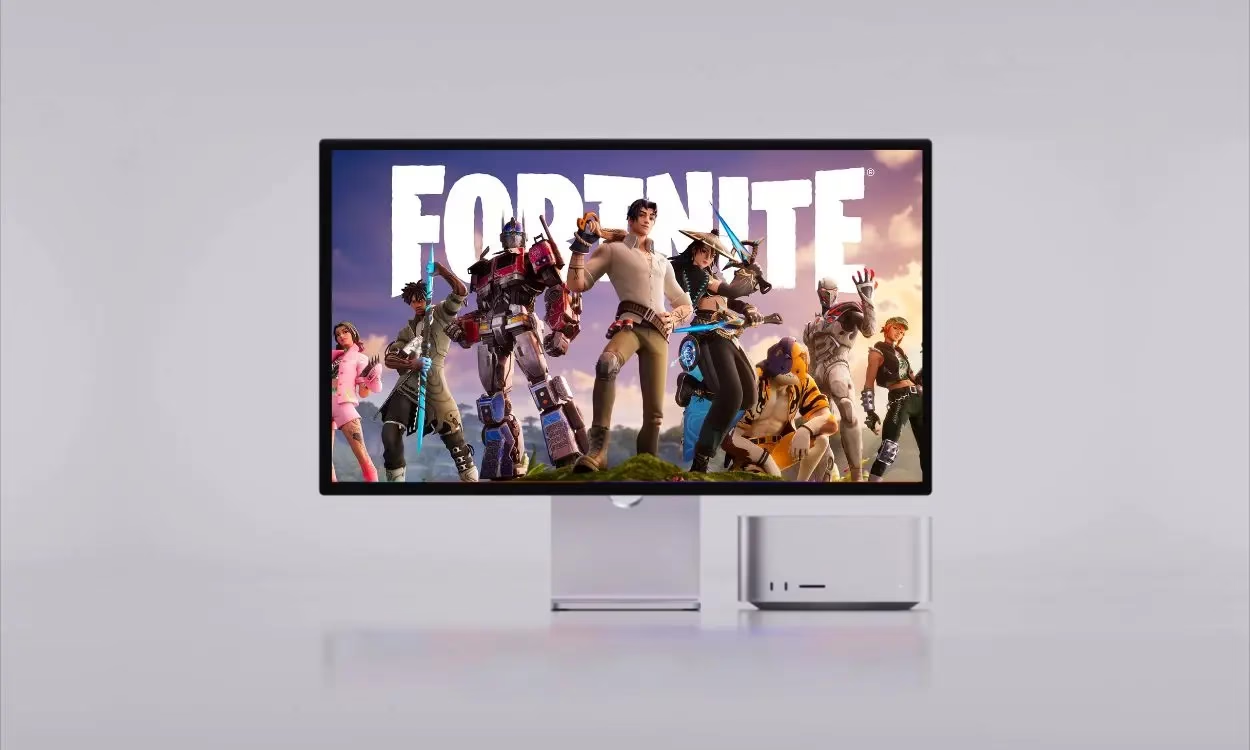

Looking to play Fortnite on your Mac and don’t know how? You’re not alone. Playing Fortnite on Mac has been increasingly difficult since the Apple and Epic Games legal battle. Still, there are ways to experience the game. While you can no longer download Fortnite directly, there are a few ways to access it on your Mac. Keep reading to learn how.
How to Play Fortnite on Mac: Top Cloud Gaming Options After Apple-Epic Dispute
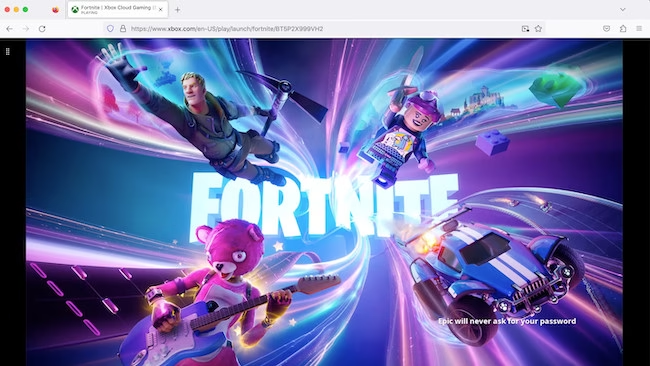
Xbox Cloud Gaming is one option. This is the simplest way to play Fortnite on a Mac. Although Xbox Cloud Gaming usually requires a subscription, Fortnite is free to play. Now all you need to do is hop over to the Xbox Cloud Gaming website in your browser, log into a Microsoft account (or create one), and link your Epic Games account to save your progress.
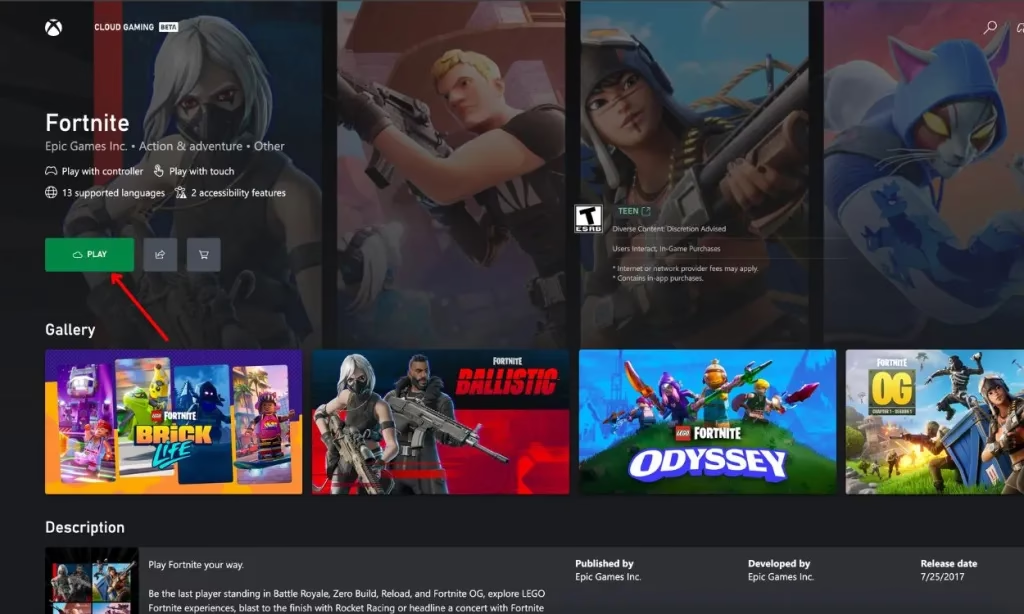
After that, find Fortnite in the game library and click “Play.” Expect to see it swap controllers for keyboard and mouse on games where such input is supported, though Xbox Cloud Gaming is limited to controllers only for the time being. You are also been required a stable internet connection, but the plus point is that you do not have to download anything.
Another alternative is Amazon Luna. If you have an Amazon Prime subscription you already own, you can access Luna for no additional cost. In contrast, Luna has better variety with both controller and keyboard/mouse usage. To play Fortnite, just go to the Amazon Luna website, log in using your Amazon account, and find Fortnite in the “Free to Play” section. Click “Play Now with Prime” and connect your Epic Games account when asked. If not, you can subscribe to Luna+ for $9.99 a month, and new users can get a free 7-day trial.
Lastly, you can use NVIDIA GeForce Now. GeForce Now offers both free and paid plans, with the free tier allowing you to play Fortnite without any cost. To use it, visit the GeForce Now website, log in, and select “Connect Your Store Accounts.” Choose Epic Games, follow the prompts to link your accounts, and launch Fortnite from the game library.
In 2020, Apple halted Epic Games’ ability to develop Fortnite for Mac due to their legal dispute. While Fortnite is back on iOS in the EU, Mac users still can’t download it directly. These cloud gaming options bypass these restrictions, offering the advantage of not needing powerful hardware or large downloads. Choose the method that fits your preferences, and you’ll be back in action soon.

