


Google has expanded AI Mode to seven new Indian languages and introduced Search Live to India, marking the first country outside the U.S. to receive this conversational AI search capability. This significant update makes Google’s most powerful AI search accessible to millions more users across India.
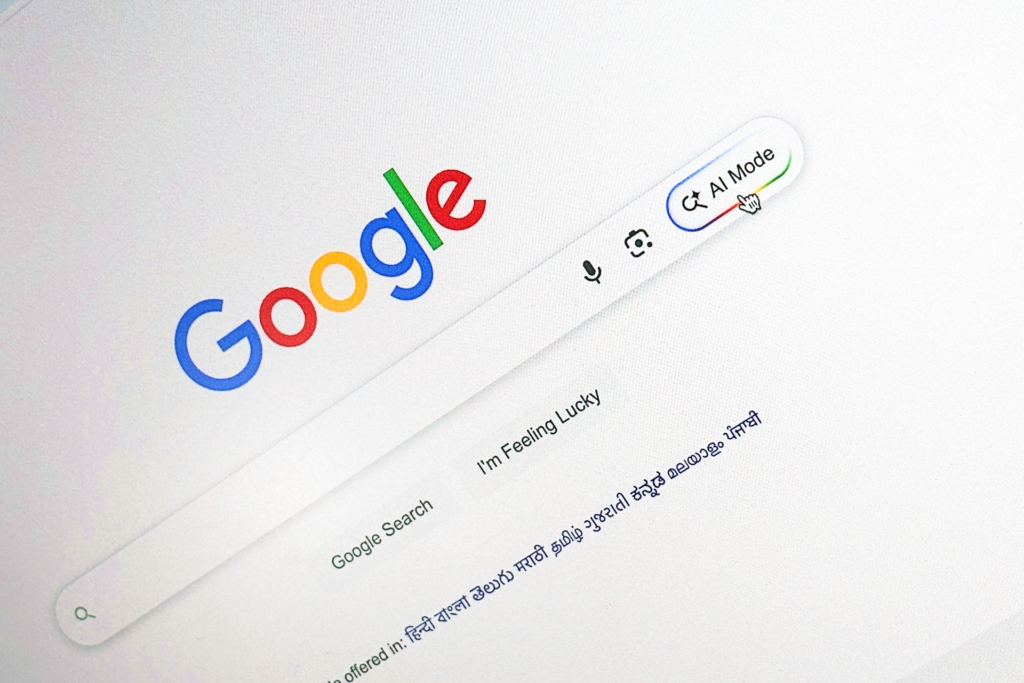
Google AI Mode Rolls Out: Seven Languages Added
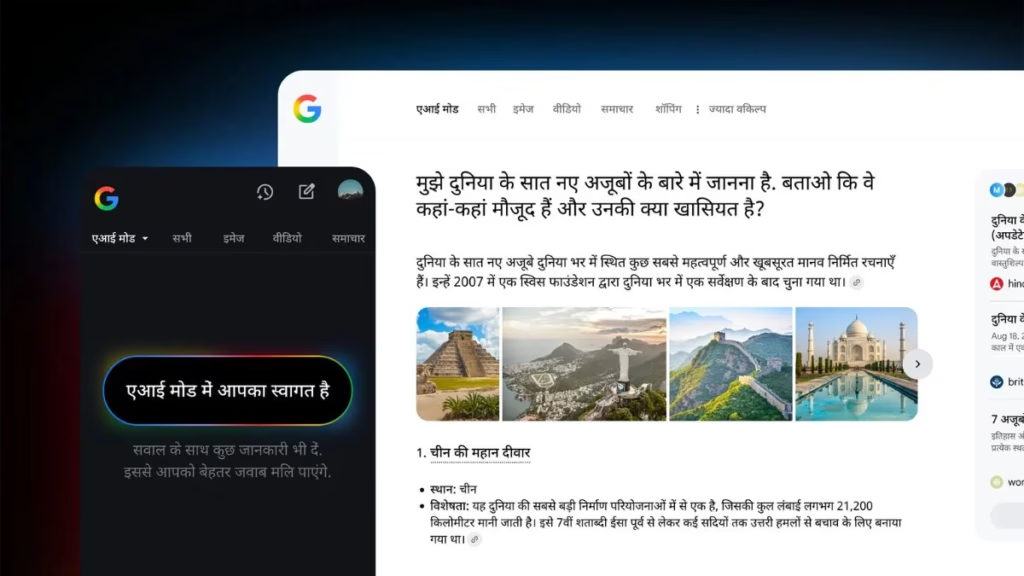
AI Mode is now available in Bengali, Kannada, Malayalam, Marathi, Tamil, Telugu, and Urdu, joining the previously launched English and Hindi versions. The expansion is powered by a custom Gemini model for Search that goes beyond simple translation, grasping the subtleties of local languages to ensure genuinely helpful experiences.
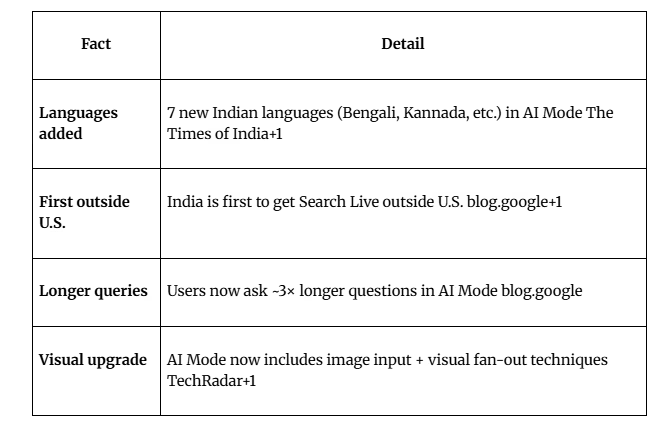
New Features Overview
| Feature | Details | Availability |
|---|---|---|
| AI Mode Languages | Bengali, Kannada, Malayalam, Marathi, Tamil, Telugu, Urdu | Rolling out over next week |
| Search Live | Voice and camera-based conversational search | English and Hindi |
| Launch Status | India is first country outside U.S. for Search Live | Already rolling out |
| Access Method | Google app ‘Live’ icon or Lens ‘Live’ button | Android and iOS |
Search Live: Voice and Camera-Powered AI
Search Live is a new conversational way to use Google, letting you talk to Search and use your camera to get real-time help with what’s right in front of you. This multimodal capability combines voice input with visual recognition for instant assistance.
Use cases include troubleshooting problems, tackling DIY projects, helping with schoolwork, or exploring new places. For instance, you can show Google your ingredients and ask, “What is a good order to combine these to make an iced matcha?” to get instant, helpful advice.
Why India Gets Priority Access
People in India are power users of multimodal search, forming Google’s largest user base for both voice and visual search globally. This makes India the ideal market for Search Live’s debut outside the United States.
Globally, people are already asking questions nearly three times longer than traditional searches with AI Mode. In India, users have embraced the feature for education, writing assistance, product comparisons, and trip planning.
How to Access Search Live
To get started, simply open the Google app and tap the new ‘Live’ icon under the search bar, or open Lens and select ‘Live’ at the bottom of the screen. The feature will become available to more users over the coming weeks.
For more AI and search technology updates, visit Tech2Sports and explore Google’s official Search blog.
FAQs
Which Indian languages now support Google AI Mode?
Bengali, Kannada, Malayalam, Marathi, Tamil, Telugu, and Urdu, plus previously available English and Hindi.
How do I use Search Live in India?
Tap the ‘Live’ icon in the Google app search bar or select ‘Live’ in Google Lens.

