

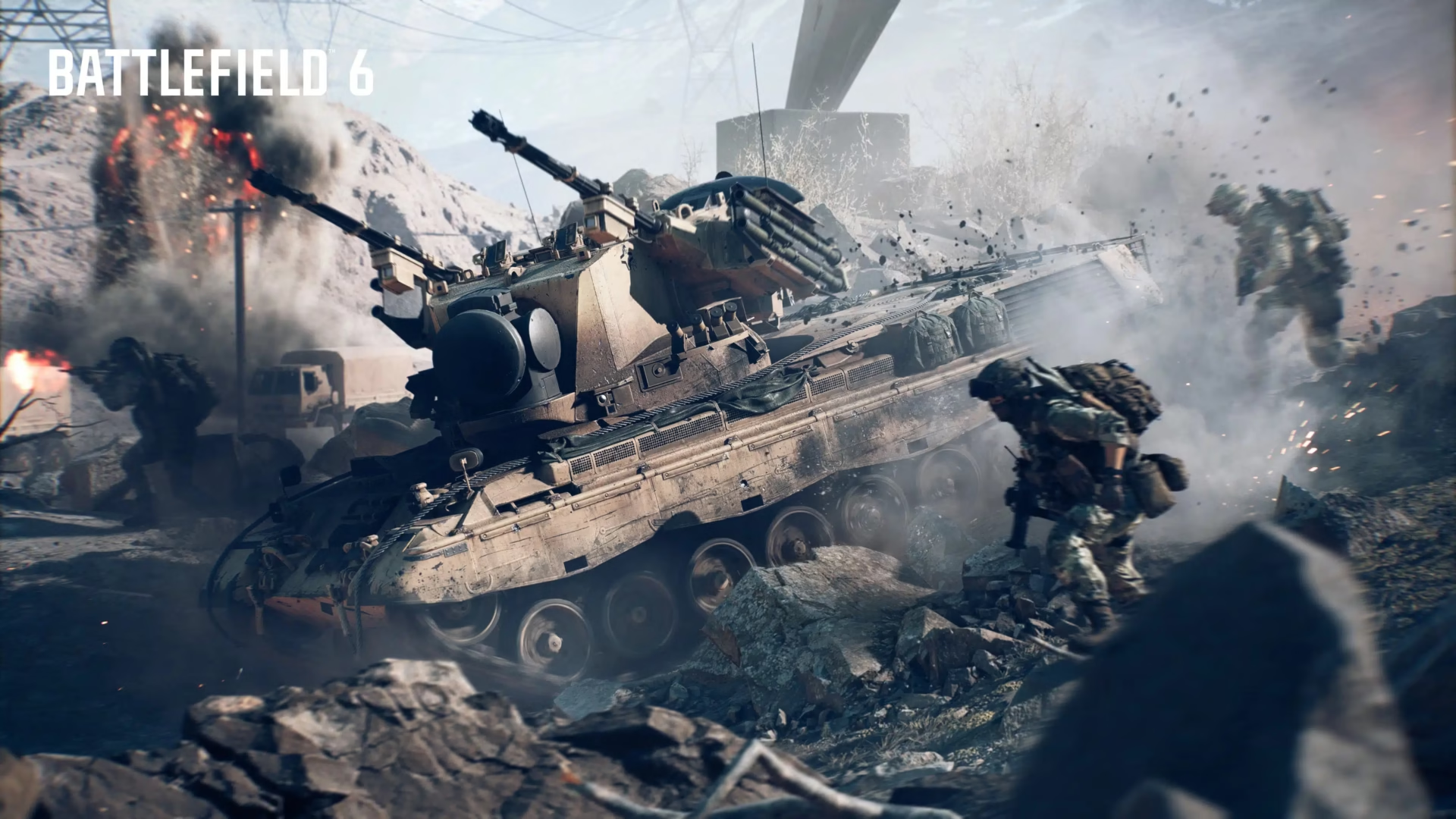

Battlefield 6‘s default controller settings need immediate tweaking for competitive play. Whether you’re on PlayStation, Xbox, or PC with a controller, these optimized settings will transform your aim precision and movement fluidity. Here’s your quick setup guide for dominating the battlefield.
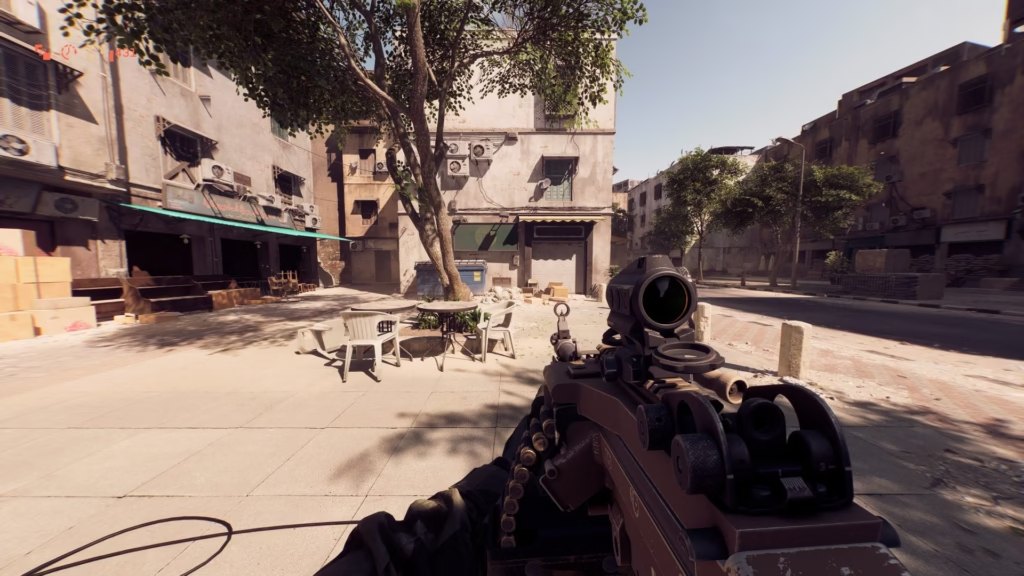
Battlefield 6 Controller Settings: Quick Setup
| Setting | Recommended Value | Why It Matters |
|---|---|---|
| Infantry Aim Sensitivity | 40 | Perfect balance for tracking |
| Stick Deadzone | 0 (both sticks) | Maximum responsiveness |
| Field of View (FOV) | 100-110 | Enhanced battlefield awareness |
| Button Preset | Alternate | Better tactical control |
Essential Infantry Settings
Turn off controller vibration completely and set both stick deadzones to 0 with an axial range of 10-15. This eliminates input lag and gives you instant response when moving and aiming.
Configure your left stick max to 75 and right stick max to 100 for fast, responsive movement and precise aim. Keep trigger deadzones at 0 with 100 max input for immediate weapon response.
Start with Infantry Aim Sensitivity at 40 and adjust based on your playstyle. Lower values (35-40) suit long-range engagements, while higher values (45-55) benefit aggressive close-quarters combat.
Advanced Button Configuration
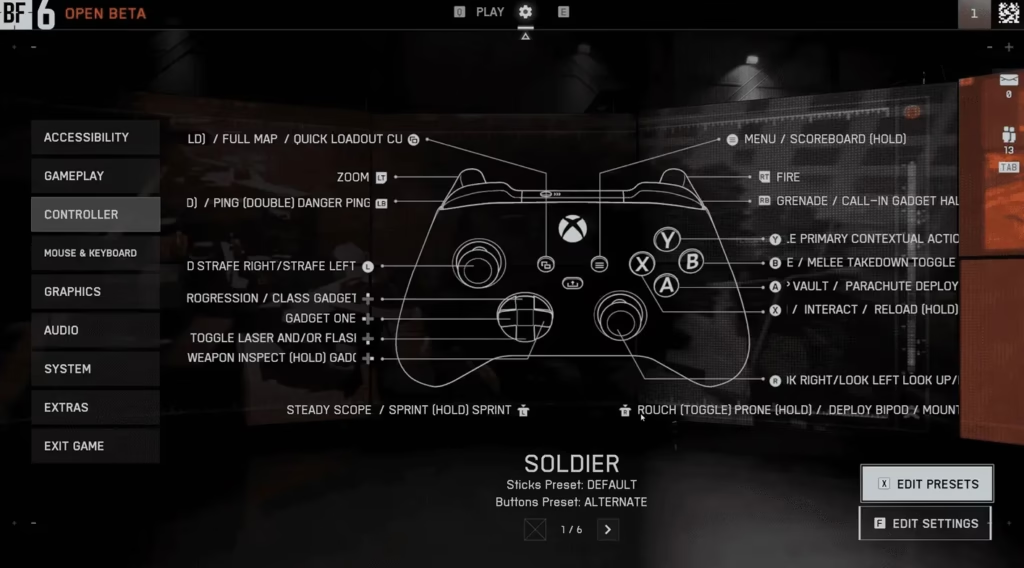
Set your Soldier button preset to Alternate for smoother gameplay. This layout improves tactical actions and reduces finger gymnastics during intense firefights.
Access these settings through Settings > Controller > Control Settings > Infantry to change how your character moves, aims, and shoots.
For official controller support details, visit EA’s Battlefield 6 help center.
Explore more gaming optimization tips in our FPS settings guide for comprehensive controller configurations.
FOV and Visual Settings
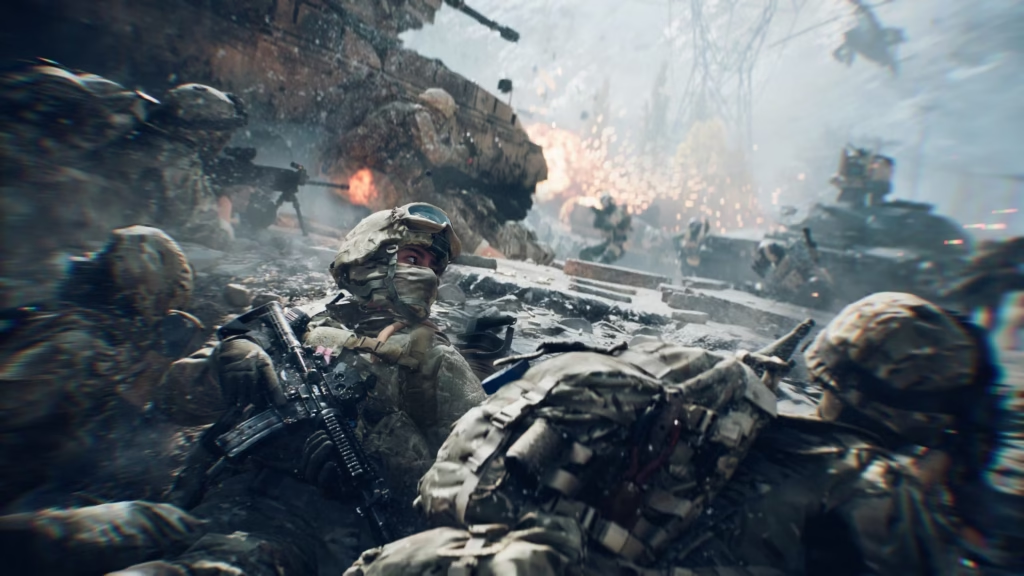
Use an FOV between 100-110 for a wide view of the battlefield. Higher values increase peripheral vision but may affect performance on older consoles.
The Bottom Line: Zero deadzones with optimized stick ranges create a night-and-day difference in controller responsiveness. Spend 10 minutes configuring these settings, and your K/D ratio will thank you.
FAQs
Should I use aim assist on controller in Battlefield 6?
Yes, leave aim assist enabled as it helps with target tracking without being overpowering.
What’s the best sensitivity for controller beginners?
Start at 35-40 sensitivity and gradually increase as your aim improves.

