


Optimizing your keyboard and mouse settings in Battlefield 6 can dramatically improve your reaction time and combat effectiveness. The right keybinds keep essential actions within easy reach, while proper sensitivity settings ensure accurate aim during intense firefights across the game’s massive multiplayer battlefields.
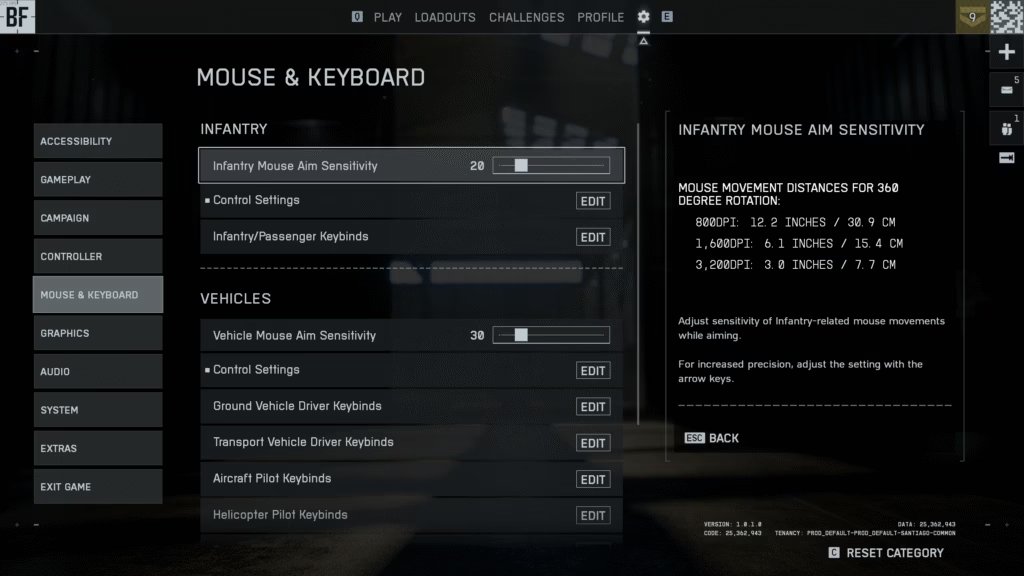
Recommended Battlefield 6 Keybinds & Settings
Access these settings by pressing the cog icon at the top-right of the main menu, then navigate to Mouse & Keyboard. Here are optimized configurations for competitive play:
| Setting/Action | Recommended Bind | Reason |
|---|---|---|
| Mouse Sensitivity | 10-20 (base) | Smooth 180° turn with one swipe |
| DPI | 800 | Industry standard for FPS games |
| Raw Input | Enabled | Eliminates Windows acceleration |
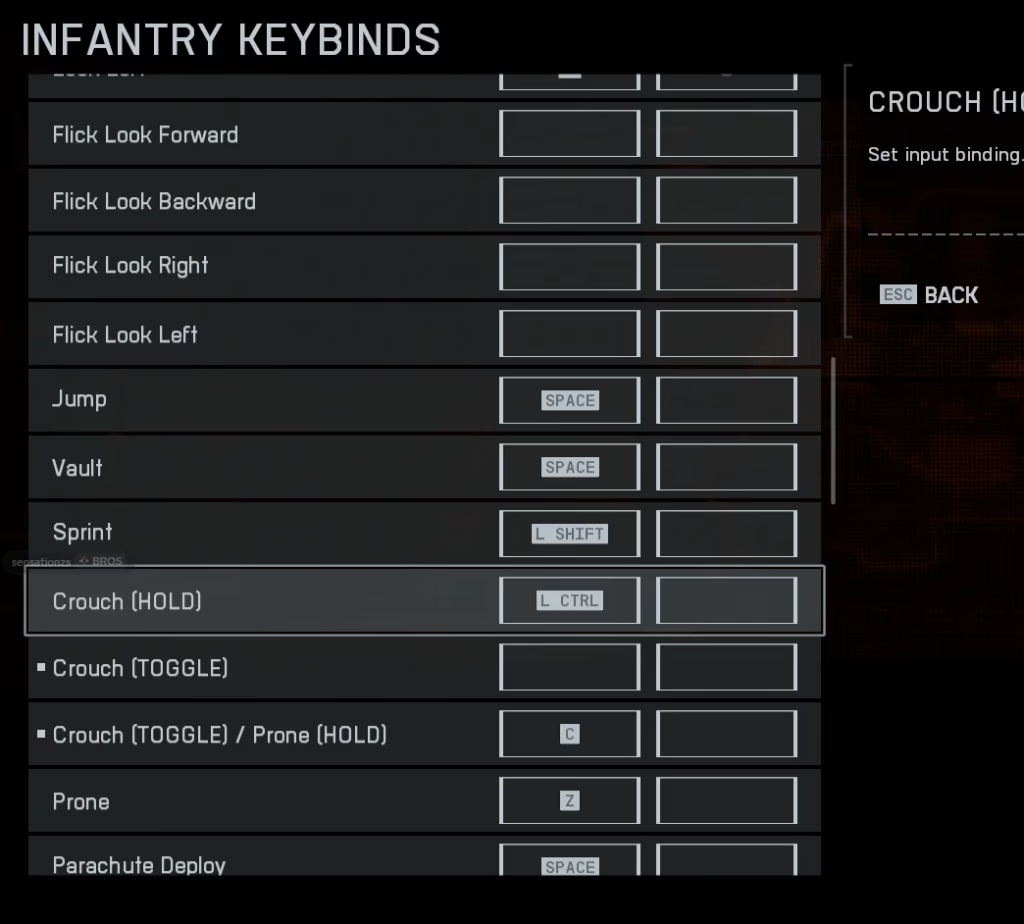
| Crouch/Slide | L Ctrl | Game auto-decides crouch or slide |
| Prone | C | Easy reach without leaving WASD |
| Gadget 1 | Mouse Button 4 | Quick access without keyboard |
| Field of View | 90-110° | Balanced awareness without distortion |
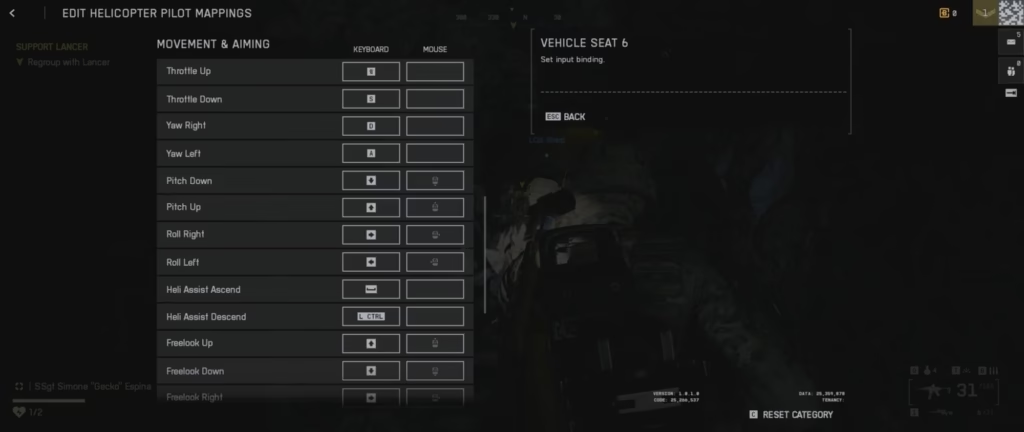
Mouse Sensitivity Sweet Spot
Start with a sensitivity between 10 and 20 in-game, paired with 800 DPI as your baseline. This combination allows you to make a full 180-degree turn with one clean mouse swipe across your mousepad. If you prefer higher sensitivity mice, increase the in-game value until cursor movement feels natural and responsive.
Enable raw input and disable mouse acceleration to ensure consistent aim. These settings bypass Windows processing, giving you direct 1:1 mouse movement that builds reliable muscle memory over time.
Essential Keybind Optimizations
Binding Crouch/Slide to L Ctrl is particularly smart since Battlefield 6 intelligently recognizes whether you’re walking or running, automatically deciding whether to crouch or slide based on your movement speed. This eliminates the need for separate binds and streamlines your control scheme.
If your mouse has extra buttons, bind frequently used actions like Gadget 1 to Mouse Button 4 for instant access during combat. This keeps your left hand focused on movement while your right hand handles both aiming and gadget deployment.
For more Battlefield 6 guides and gaming tips, visit Tech2Sports and check EA’s official Battlefield site for updates.
FAQs
What’s the best mouse sensitivity for Battlefield 6?
Start with 10-20 in-game sensitivity at 800 DPI, adjusted so you can complete a 180° turn with one full mousepad swipe.
Should I enable raw input in Battlefield 6?
Yes, enabling raw input and disabling mouse acceleration provides consistent, predictable aim for better muscle memory.

