

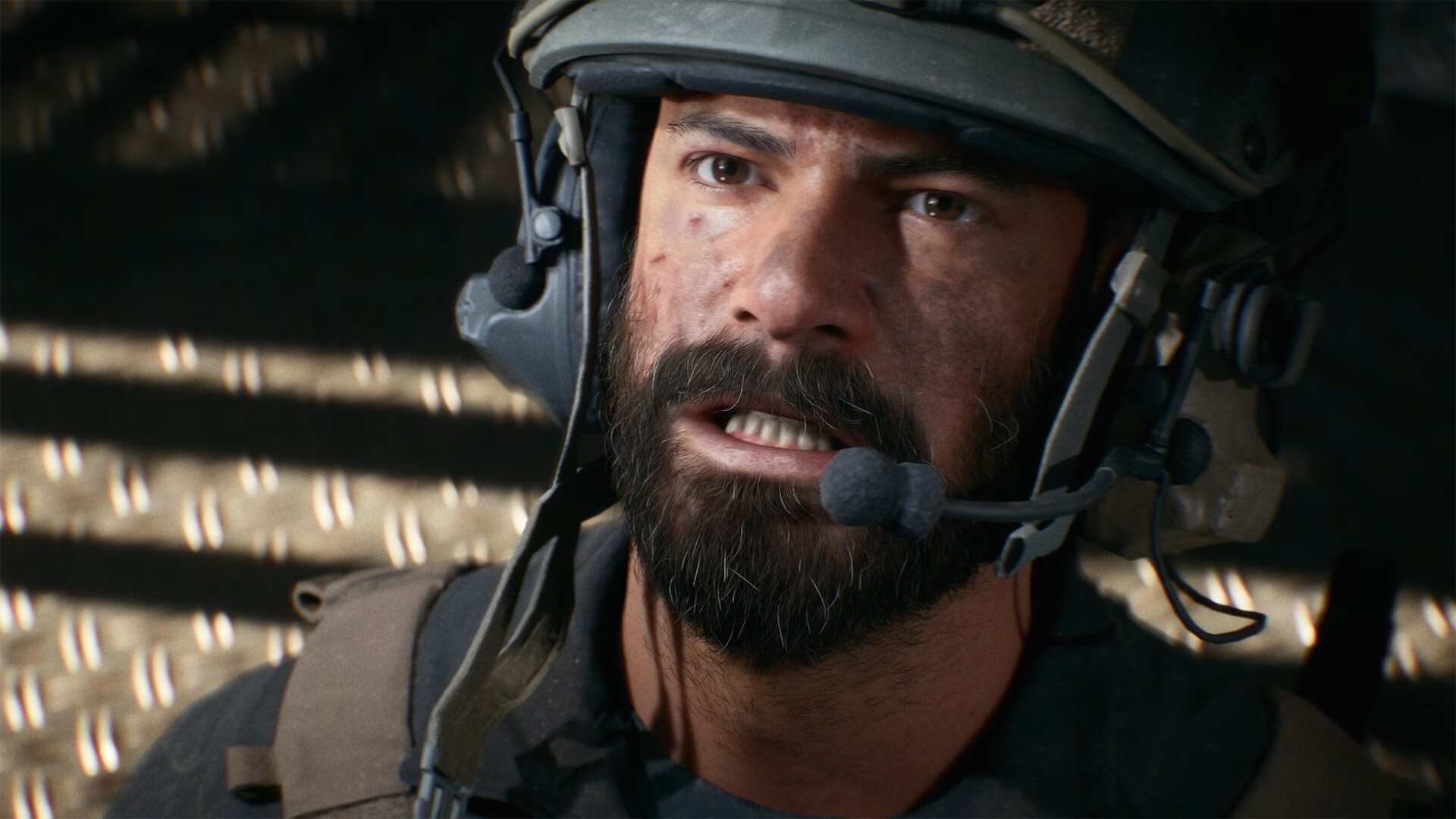

Battlefield 6 has stormed onto the scene with impressive player numbers, but like any major launch, it’s experiencing growing pains. EA has acknowledged numerous issues affecting gameplay, and their development team is actively working on solutions. Here’s your comprehensive guide to navigating these launch hiccups.
Battlefield 6 Critical Issues at a Glance
| Category | Major Issues | Quick Fix Available? |
|---|---|---|
| Multiplayer | Party invite transfer fails | ✓ Temporary workaround |
| Weapons | Air-to-Air missiles disabled | ⏳ Upcoming patch |
| Performance | DRS not working (consoles) | ✓ Manual toggle |
| Progression | Challenge tracking broken | ⏳ Under investigation |
| Connection | EA server connectivity | ✓ Try solutions below |
Top Gameplay Issues & Solutions
Party System Problems
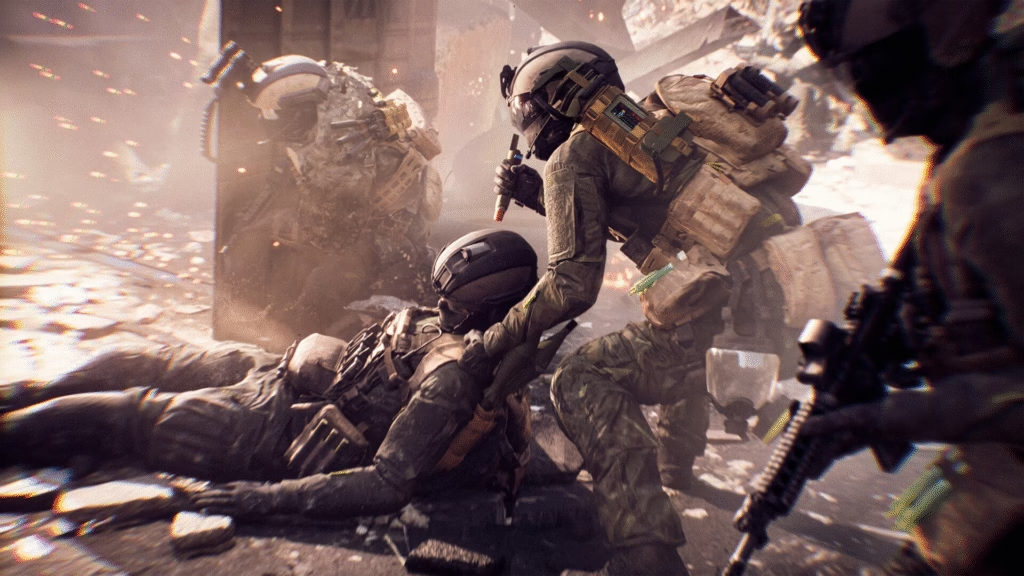
Accepting multiplayer invites while in Campaign mode won’t transfer you to the lobby. The workaround? Always exit to the main menu before accepting party invitations.
Weapon Performance Glitches
Several weapons lack proper camera shake effects, and the crosshair doesn’t scale correctly in 4K resolution. Additionally, air-to-air missiles (R-84V2 and AIM-84) are temporarily disabled due to targeting issues—expect these back in the next update.
Vehicle Quirks
Beyond the missile issue, weapon sway can disconnect after exiting vehicles, affecting your aim precision until you redeploy.
Progression Nightmares
Multiple challenges aren’t tracking properly, including “Resupply teammates with Supply Pouch” and various vehicle-related assignments. Helicopters are incorrectly categorized as ground vehicles in some challenges, causing confusion.
Platform-Specific Critical Fixes
PC Players: Deadzone Crisis
If you played on launch day, your controller deadzone might be set to 22%, causing unintended aim movement. Head to settings and reduce it to the new default of 8% immediately.
Console Players: Performance Mode Workaround
Dynamic Resolution Scaling isn’t functioning correctly. After joining each game session, toggle Performance Mode off and then back on to get proper benefits. Yes, you’ll need to repeat this every match until EA patches it permanently.
Graphics Card Issues
RTX 5080 users may find graphics defaulting to Low settings with Auto Performance preset. Manually adjust your settings for optimal visuals.
Common Connection Errors
EA has documented these recurring connection problems:
- Can’t connect to EA servers
- “An Undefined error occurred”
- Xbox connectivity failures
- “Multiplayer not owned” (EA App)
- Steam launch failures
- PS5 compatibility issues
- “Content pack not owned” errors
For detailed troubleshooting on connection issues, check our comprehensive Battlefield 6 server fix guide on Technosports.
Single Player Campaign Issues
Campaign players face unique challenges including mission challenge unlocking problems and graphical glitches on Low settings. If challenges won’t unlock, relaunch the specific mission from the main menu and complete the challenge again.
Mission 07 Warning: The Nile Guard mission has a game-breaking camera bug during specific cinematics in first-person view. Switch to third-person temporarily to avoid this issue.
Xbox/PS5 Campaign Crash: If the game crashes when pressing “Continue” in Campaign, ensure all add-ons are properly installed through your platform’s store.
Portal Mode Complications
Portal creators should avoid special characters in server descriptions, as they prevent hosting. PS5 users should keep content packs 01 and 04 enabled to prevent crashes when starting Portal servers.
EA’s Response & Timeline
According to EA community manager EA_Leeuw’s recent blog post, the development team is prioritizing these fixes. While no specific patch date has been announced, the fastest updates typically target game-breaking issues like the air-to-air missile problem and progression tracking failures.
Stay updated on patch notes and maintenance schedules through the official Battlefield website for real-time developer communications.
Temporary Workarounds
While waiting for permanent fixes:
- Enable V-Sync to reduce screen tearing
- Use Fullscreen mode on PC to prevent external app interference
- Restart checkpoints for stuck AI or mission objectives
- Adjust aspect ratio if experiencing display borders
- Toggle weapon perspectives slowly to avoid photosensitivity triggers
For more FPS optimization tips and gaming hardware recommendations, visit Technosports where we cover everything from performance tweaks to competitive strategies.
For official updates and support, visit EA Help. Stay tuned to Technosports for the latest Battlefield 6 news, guides, and patch coverage.
Frequently Asked Questions
Q: Will my progression be lost due to these tracking bugs?
A: No, EA has confirmed that progression data is being recorded server-side even when challenges don’t display properly. Once they patch the tracking issues, your earned progress should appear retroactively. However, screenshot your stats regularly as a precaution.
Q: How often does EA release patches for Battlefield games?
A: EA typically follows a rapid-fire patch schedule during launch windows, with hotfixes arriving within days for critical issues and larger updates rolling out weekly. Major content patches generally release monthly. Follow official EA channels and bookmark our Technosports updates section for immediate patch notifications.

