



Language barriers on social media are rapidly disappearing thanks to advanced AI translation technology. Meta and YouTube are leading this revolution, enabling users to consume content in their preferred language regardless of the original language. This breakthrough means you can soon watch any of your favorite content in any language you want.

Meta AI Translation: Breaking Down Language Barriers
Meta has introduced advanced AI-powered translation features for Reels on Instagram and Facebook, allowing creators to seamlessly translate and dub their content, breaking down language barriers so they can share their work with more viewers worldwide.
Meta AI Translation Features
| Feature | Details |
|---|---|
| Languages Supported | English, Spanish, Portuguese, Hindi |
| Platforms | Instagram, Facebook |
| Content Type | Reels |
| Technology | Meta AI with voice dubbing |
| Lip Sync | AI-powered automatic lip sync |
| How to Enable | Toggle “Translate your voice with Meta AI” before publishing |
Hindi Language Support Now Available
Meta now allows creators to translate and dub Reels in Hindi and Portuguese with realistic AI voice and lip-syncing. This is particularly significant for India’s massive social media audience, enabling Hindi-speaking users to access global content and Indian creators to reach international audiences.
Users can turn on automatic translation in their preferred language to consume Reels that were originally created in another language, while creators can enable automatic translation by turning on the “Translate your voice with Meta AI” option before publishing.

YouTube’s AI Dubbing Revolution
YouTube has introduced automatic dubbing that generates translated audio tracks in different languages to make videos more accessible to viewers around the world, with videos marked as “auto-dubbed” in the description so viewers can distinguish when a video has auto-dubbed audio tracks or use the track selector to hear the video in its original language.
YouTube’s auto-dubbing feature works across various content types, allowing creators to expand their global reach without manually creating dubbed versions. The platform remembers viewer language preferences for a seamless experience.
How AI Translation Works
The technology uses sophisticated AI models to analyze speech, translate content accurately, and generate natural-sounding voice dubbing that matches the original speaker’s tone and emotion. Advanced lip-sync technology ensures that dubbed videos appear natural, with mouth movements matching the translated audio.
The Future of Multilingual Content
This AI-powered translation revolution means content creators can focus on creating quality content without worrying about language limitations. Viewers benefit from accessing diverse global content in their native language, fostering cross-cultural understanding and connection.
Multi-lingual translations are now available in English, Spanish, Portuguese, and Hindi, with the company mentioning that translating Reels is completely optional, giving creators control over their content distribution.
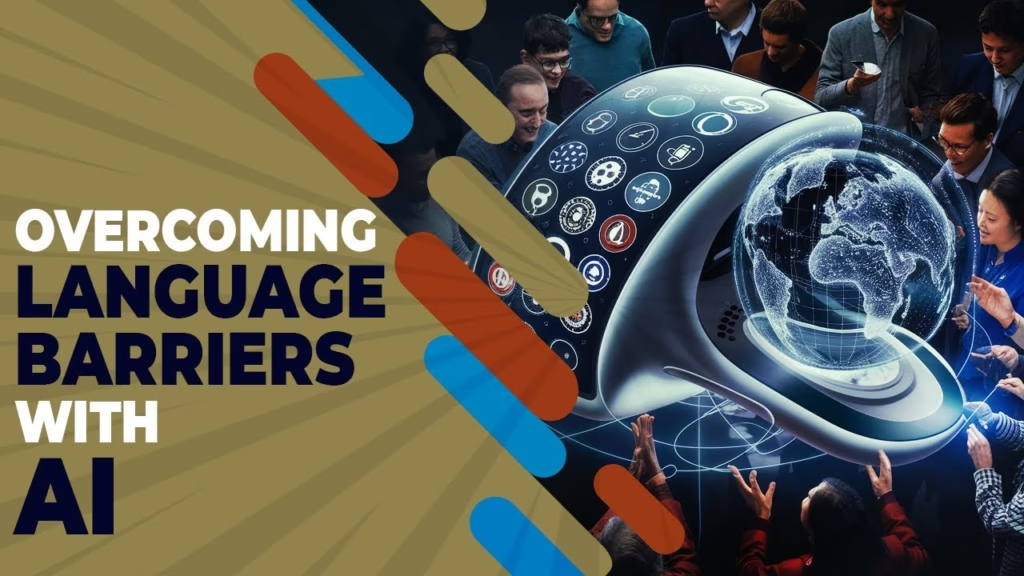
Impact on Content Consumption
The elimination of language barriers transforms social media into a truly global platform. Indian creators can now reach Spanish-speaking audiences, American YouTubers can connect with Hindi-speaking viewers, and content flows freely across linguistic boundaries.
As AI translation technology continues improving, we can expect even more languages to be supported, higher accuracy in translations, and more natural-sounding dubbing. The future of social media is multilingual, inclusive, and borderless.
For more technology updates and social media trends, visit Tech2Sports.
FAQs
Which languages does Meta AI translation support for Reels?
Meta AI translation currently supports English, Spanish, Portuguese, and Hindi with automatic voice dubbing and lip-sync.
Can YouTube automatically translate videos into different languages?
Yes, YouTube offers automatic dubbing that generates translated audio tracks in multiple languages, marked as “auto-dubbed” in video descriptions.

